
DINARIC RALLY 2026 – NAVIGATION: WHAT’S NEW
Read this. Yes, all of it.
The short version
We’re using Terra Pirata in its full power this year. If you’re not familiar with it, get familiar. It’s going to make your life significantly easier and your experience on the stages much richer. Our safety and tracking devices are still there, still loud, still watching and warning, but now they are even better synced with Terra Pirata. Here’s what you need to know.
The safety device – what it tells you (and what it doesn’t)

Your UNTAMED / Race Admin safety device will be blinking and buzzing at you for four reasons, and four reasons only:
!!! Danger 3. Serious hazard ahead. Slow down. Now. !! Danger 2. Hazard ahead. Pay attention. Overspeeding You’re going too fast. Back off. ASS End of selective section. You’ve made it through.
That’s it. Everything else, all the navigational info, waypoints (the full FIM WP spectrum in this edition!), neutralizations, DZ / FZ, comes through Terra Pirata. If you’re not running Terra Pirata, you’re not blind, but you are missing a lot. We strongly recommend you don’t do that.
Terra Pirata – your co-pilot this year
Terra Pirata is highly recommended if you want the full Dinaric experience, and this year there’s more reason than ever to run it. We’re using more of its features than before, including several that are brand new in FIM regulations. It syncs with your safety device, it displays your roadbook, and it gives you the full picture and the whole navigational context.
Set it up before you arrive. Learn it before you get to the start line. There will be no time for tutorials in Knin.
Recommended navigation setups
Pick one. There’s no wrong answer, but there are better and less better options depending on your budget, experience level, and how seriously you take your setup.
Option 1 – Dedicated electronic roadbook reader
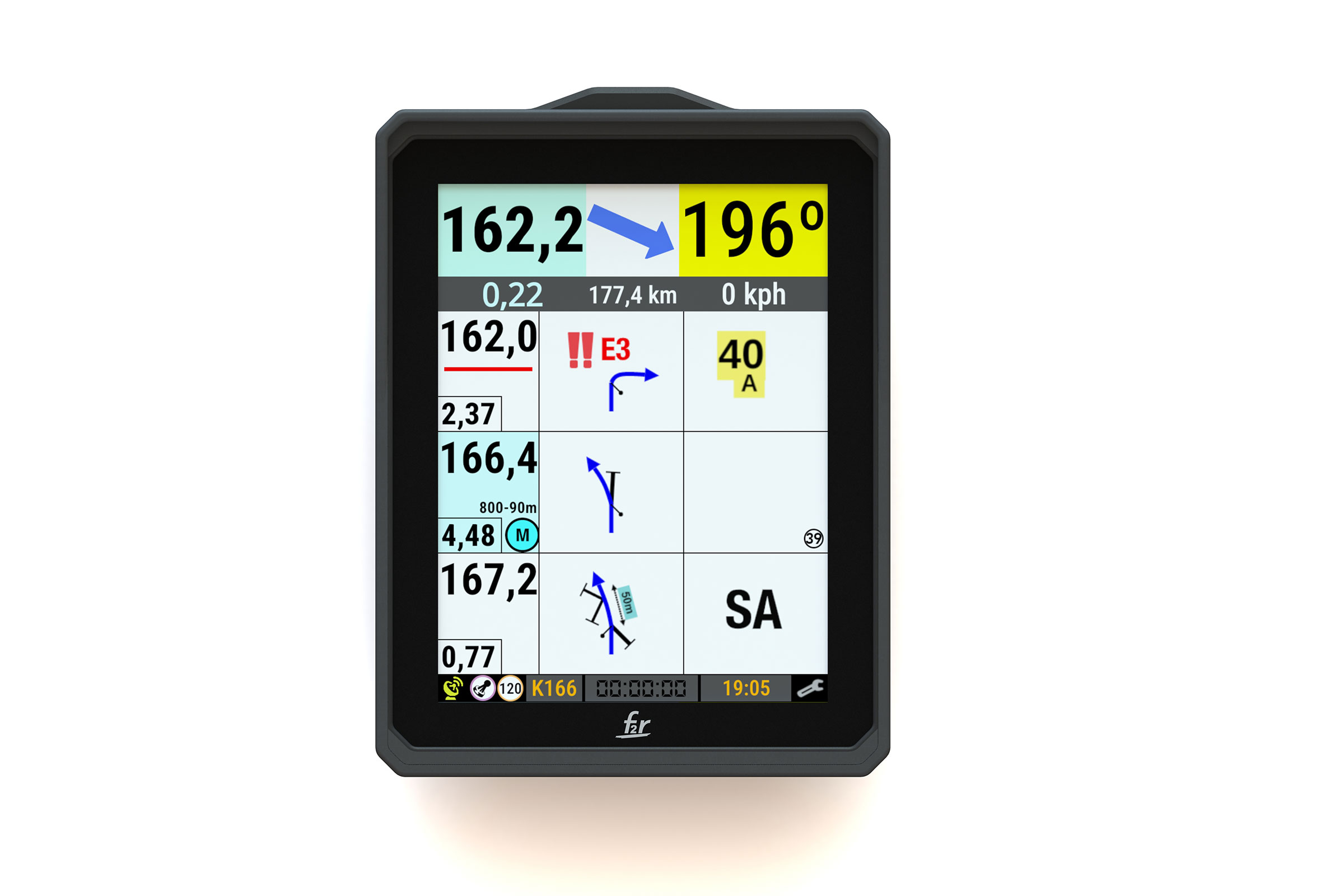
The cleanest setup. Recommended for serious 21st century competitors.
Run an F2R Y1000. Everything lives on one screen: your roadbook, precise ODO, CAP, WP pointing, and Terra Pirata in full power mode, all functionalities, no compromises. One device that does it all. And the screen in direct sunlight? Unbelievable. Better than paper.
Option 2 – Paper roadbook holder + Terra Pirata
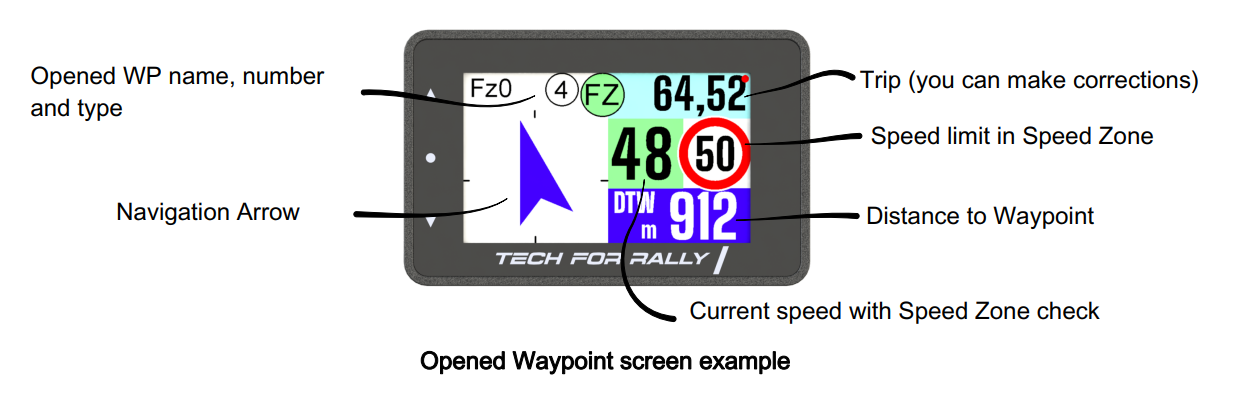
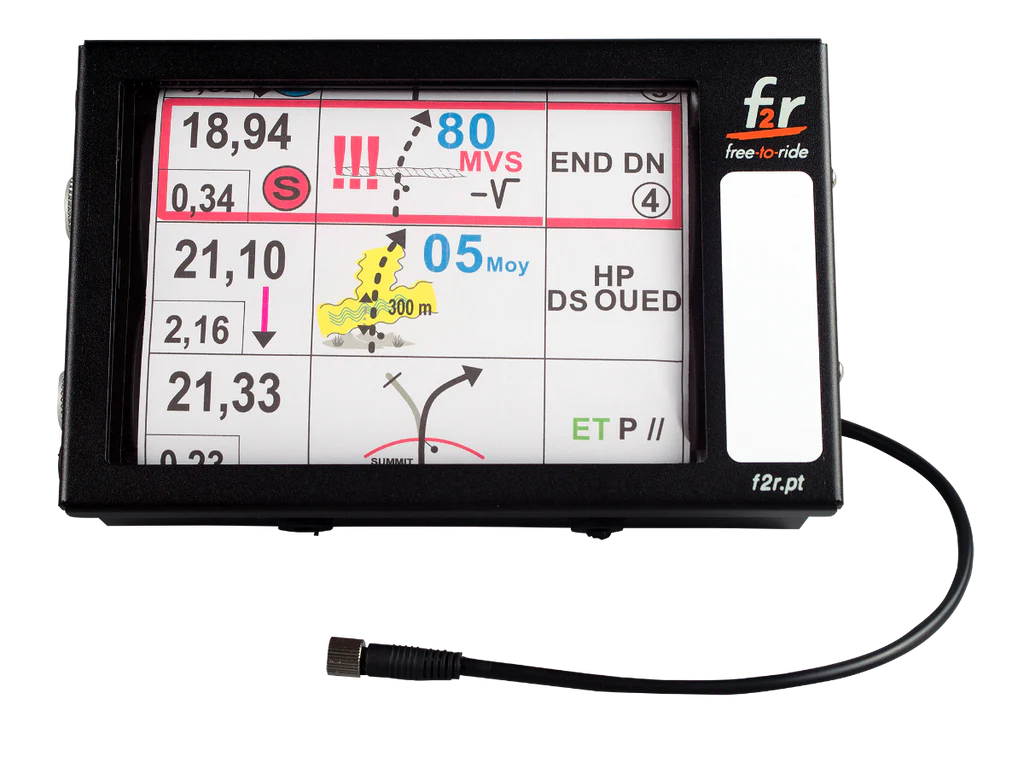
Best of both worlds, if you set it up properly.
Keep your paper roadbook rolling in a trusted holder, and run Terra Pirata in PRO Rally mode on a separate screen. Two ways to do this:
Tech For Rally ChromoX mounted on your tower, connected via Bluetooth to a solid phone in your pocket running Terra Pirata. Clean, robust, tried and tested.
A reliable, rugged smartphone in a solid mount on your tower, running Terra Pirata in PRO Rally mode directly. Simple, affordable, but only as rugged and reliable as your phone. Screen visibility in direct sunlight, battery life, water and dust resistance: all matter here.
Option 3 – Android tablet with Terra Pirata
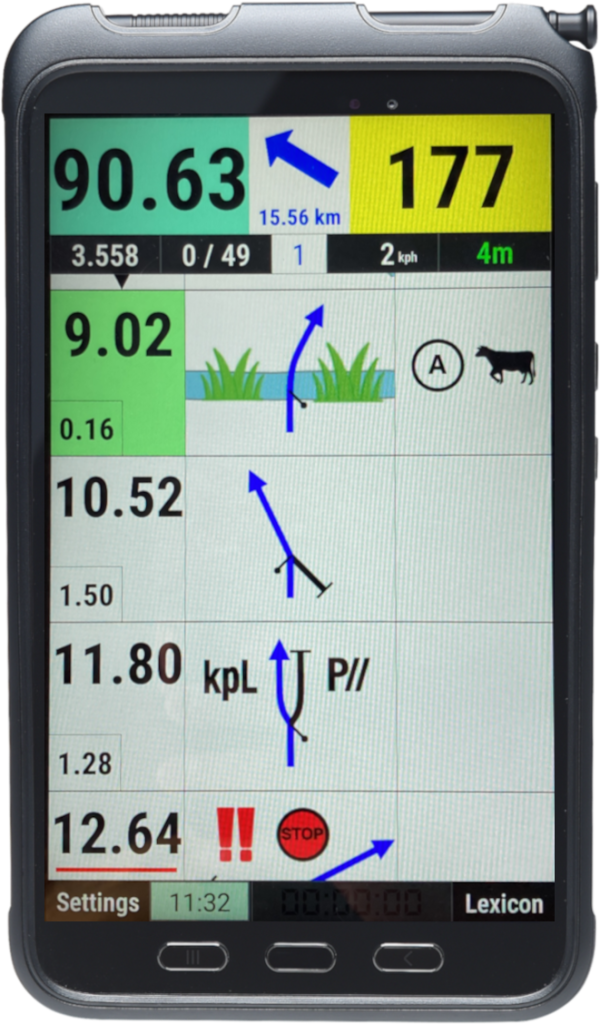
The accessible option. Works, with caveats.
A decent Android tablet running Terra Pirata. No specific model required, but quality of experience will track closely with quality of device. Screen visibility in sun, battery, GPS signal: these vary wildly between tablets. It’s been done successfully plenty of times. Just know what you’re getting into.
Important note on timing and results
Your navigation setup, whatever you choose, has zero effect on measuring your times or calculating your results.
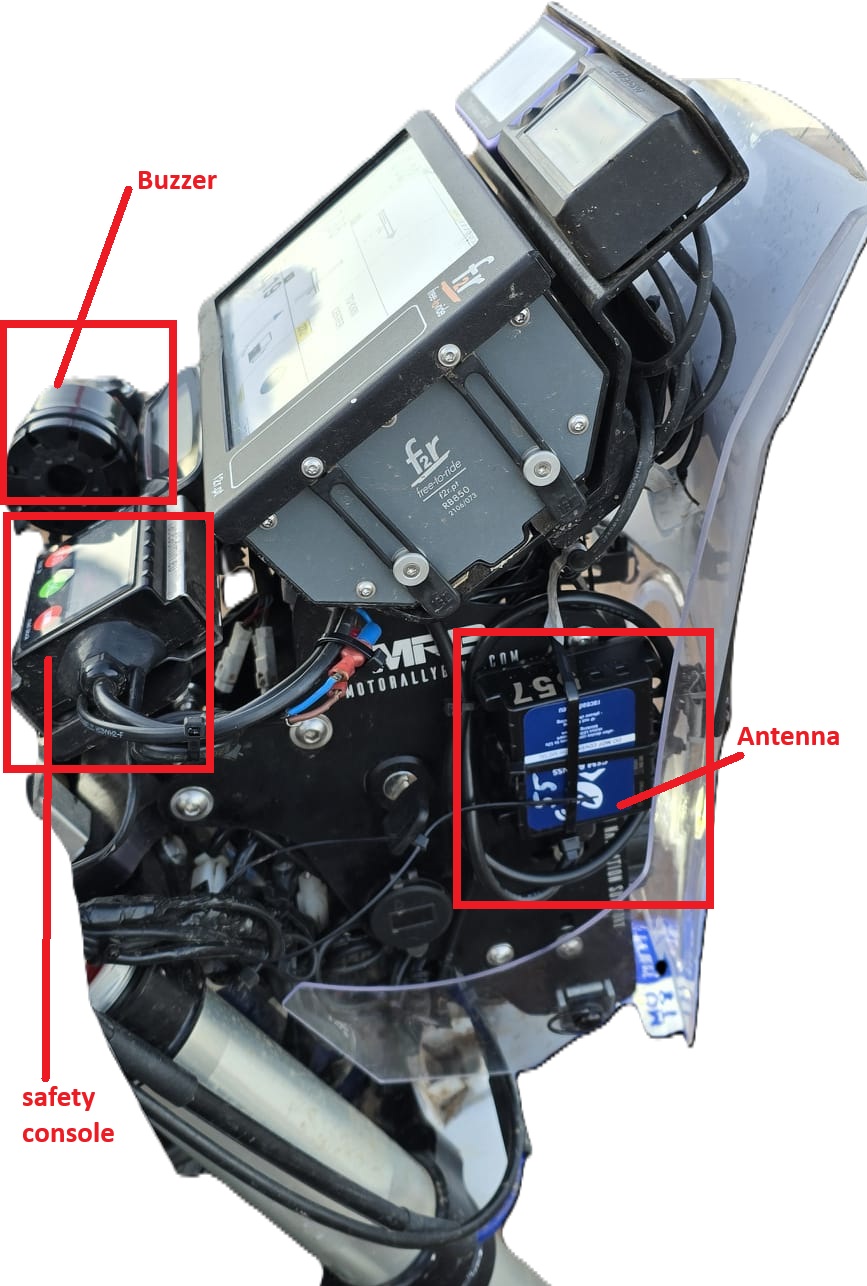
Timing and results are calculated exclusively from data collected by the UNTAMED / Race Admin trackers. Your phone, your tablet, your ChromoX or Y1000, none of it feeds into the results.
Signal coverage and device quality can create a small lag between what Terra Pirata shows and what’s happening in the real world. In practice, these gaps have proven minimal even on budget hardware. If your Terra Pirata display is half a second behind the roadbook, don’t worry. The tracker on your bike has it covered.